Bible lock screen app
Put a Bible verse on your Lock Screen
You see your Lock Screen more than any other screen. With Bible Widget, every glance meets a short verse right under the clock, chosen for what you’re carrying and updated every day.

Free · no ads · works offline
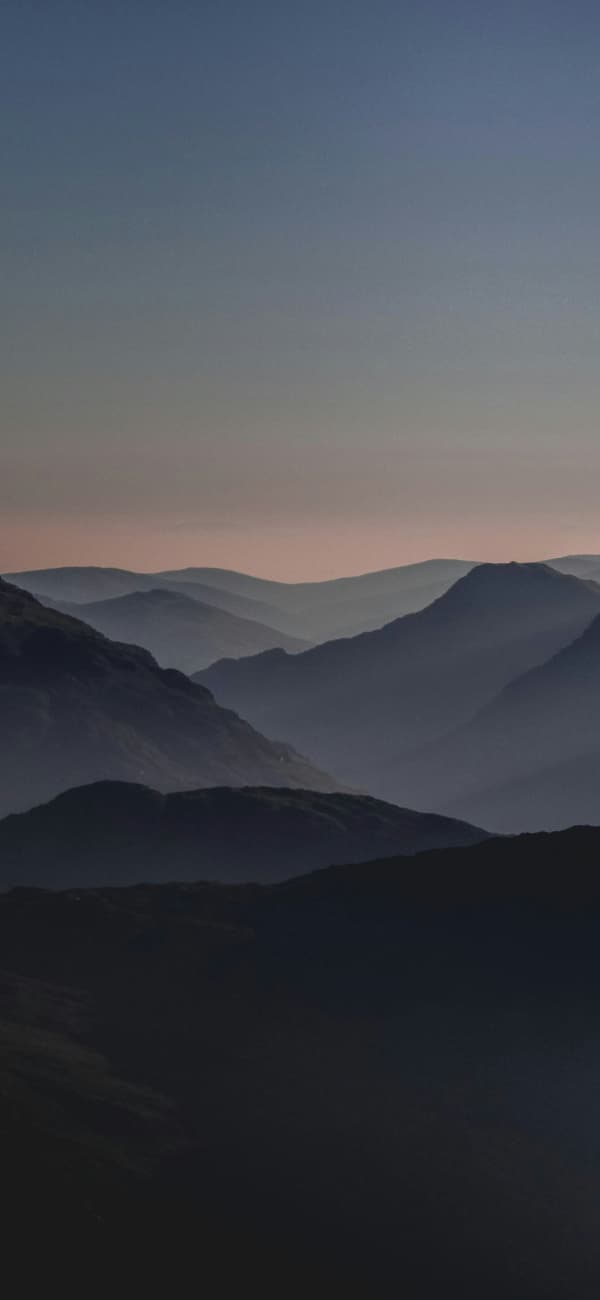
Monday, October 12
9:41
Three ways to put Scripture on your Lock Screen
| Way | Best for | Plan |
|---|---|---|
| Lock Screen widget | A new verse under the clock every day, without lifting a finger | Free |
| Verse wallpaper | One verse, large and centered, over a photo you love | Free with watermark |
| Live Photo wallpaper | Snow, rain or light rays that move behind your verse when your iPhone wakes | Premium |
How to add a Bible verse Lock Screen widget
You need iOS 16.4 or later. Open Bible Widget once first, so it can prepare your verses.
- 1Touch and hold your Lock Screen.
- 2Tap Customize, then Lock Screen.
- 3Tap the space under the clock.
- 4Choose Bible Widget, then Lock Screen Verse.
- 5Tap Done. Your verse is now under the clock, and it changes every day.
Tip: add the round widget beside it to see the reference at a glance, or the one-line widget above the clock.
Short Bible verses that fit your Lock Screen
Long verses don’t fit under the clock, so every verse in Bible Widget has a hand-made Lock Screen version: short verses whole, and the well-known opening of longer ones, marked with an “a”. Here are twelve, exactly as they appear on the Lock Screen (KJV):
Be still, and know that I am God.
Ps 46:10a · Psalm 46:10
Fear thou not; for I am with thee.
Isa 41:10a · Isaiah 41:10
For I know the thoughts that I think toward you.
Jer 29:11a · Jeremiah 29:11
Come unto me, all ye that labour and are heavy laden.
Matt 11:28a · Matthew 11:28
I will both lay me down in peace, and sleep.
Ps 4:8a · Psalm 4:8
The LORD is my shepherd; I shall not want.
Ps 23:1 · Psalm 23:1
I can do all things through Christ which strengtheneth me.
Phil 4:13 · Philippians 4:13
The LORD shall fight for you, and ye shall hold your peace.
Exod 14:14 · Exodus 14:14
What time I am afraid, I will trust in thee.
Ps 56:3 · Psalm 56:3
Casting all your care upon him; for he careth for you.
1 Pet 5:7 · 1 Peter 5:7
Jesus Christ the same yesterday, and to day, and for ever.
Heb 13:8 · Hebrews 13:8
This is the day which the LORD hath made.
Ps 118:24a · Psalm 118:24
Make a Bible verse wallpaper in one tap
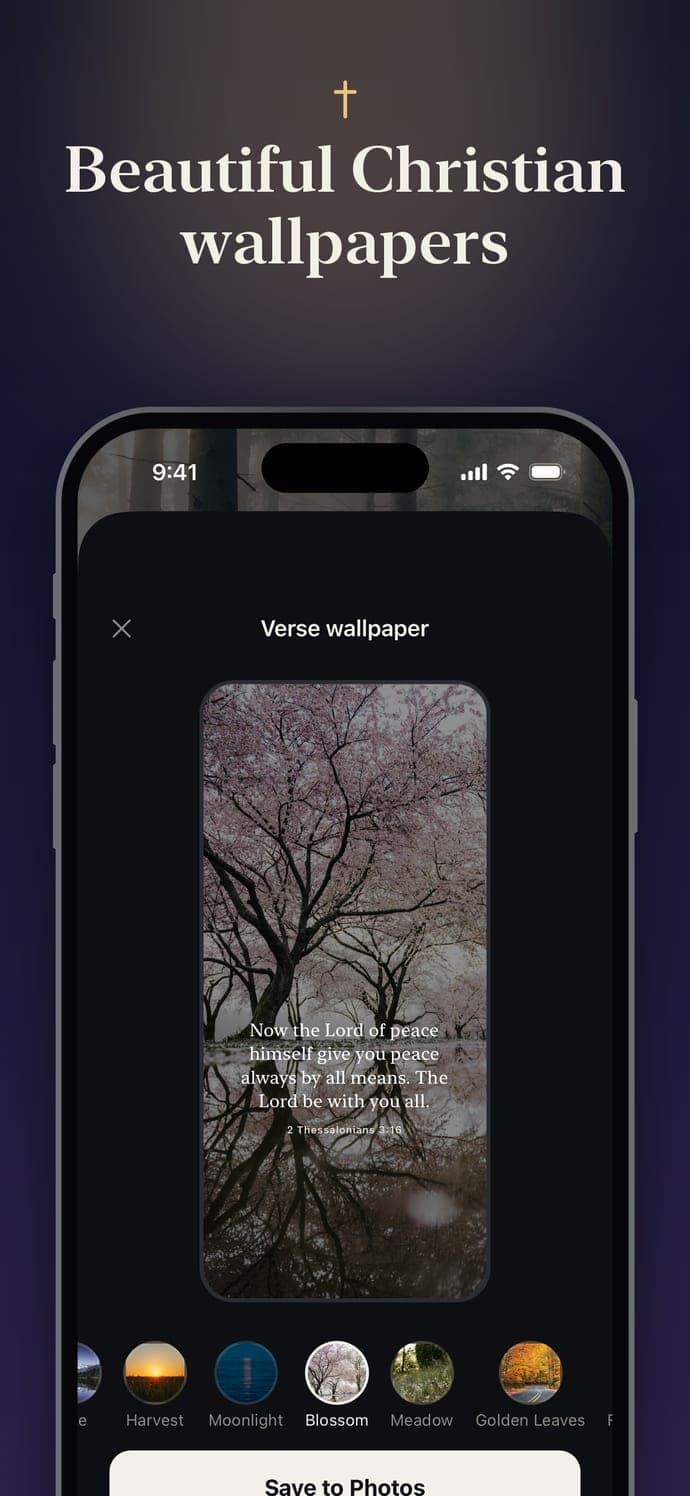
Prefer one verse to stay with you? Turn any verse in Bible Widget into a verse wallpaper, choose a style and tap Save to Photos. Then set it as your Lock Screen wallpaper in Settings → Wallpaper.
- Choose from 40 styles, from calm colors to nature photos and classic paintings
- Use your own photo behind the verse (Premium)
- Live Photo wallpapers with gentle motion when your iPhone wakes (Premium)
- The app only asks to add photos. It can’t see your existing photos
Go further: lock your apps until you pray
Many people search for a “Bible lock screen app” because they want Scripture before scrolling. Bible Widget’s Prayer Lock (Premium) does exactly that: choose the apps that distract you, and each day they stay locked until you read today’s verse, pray a short prayer and take a 20-second quiet moment. Say Amen, and your apps open until midnight.
It’s built on Apple’s Screen Time, what you choose stays on your iPhone, and you can turn it off anytime or unlock without praying when you need to.
Frequently asked questions
How do I put a Bible verse on my iPhone Lock Screen?
Install Bible Widget and open it once. Then touch and hold your Lock Screen, tap Customize, then Lock Screen, tap the space under the clock, and choose Bible Widget, then Lock Screen Verse. A new verse appears there every day.
What is the best Bible lock screen app?
Look for an app that updates the verse on its own, fits the verse neatly under the clock, works offline and has no ads. Bible Widget does all four, offers KJV, WEB and BSB, and also makes verse wallpapers and Live Photo wallpapers. It's free to download.
Why is the Lock Screen verse shorter than in the app?
The Lock Screen has room for a few short lines, so it shows short verses whole and the well-known opening of longer ones, marked with an “a” (for example Ps 46:10a). The full verse is always in the app and on the Home Screen widget.
Should I use a Lock Screen widget or a verse wallpaper?
Use the widget if you want a new verse every day automatically. Use a wallpaper if you want one verse to stay with you for a while, large and centered, over a beautiful photo. Many people use both.
Can I lock my apps until I read the Bible?
Yes, with Prayer Lock (Premium). Choose the apps that distract you, and each day they stay locked until you read today's verse and pray in the app. Then they open until midnight. It uses Apple's Screen Time, and you can turn it off anytime.
Which iPhones support Bible verse Lock Screen widgets?
Bible Widget needs iOS 16.4 or later. Lock Screen widgets work on any iPhone that runs it.
More guides
Meet God’s Word at every glance
Free to download. Try Premium free for 3 days.