Three trusted translations
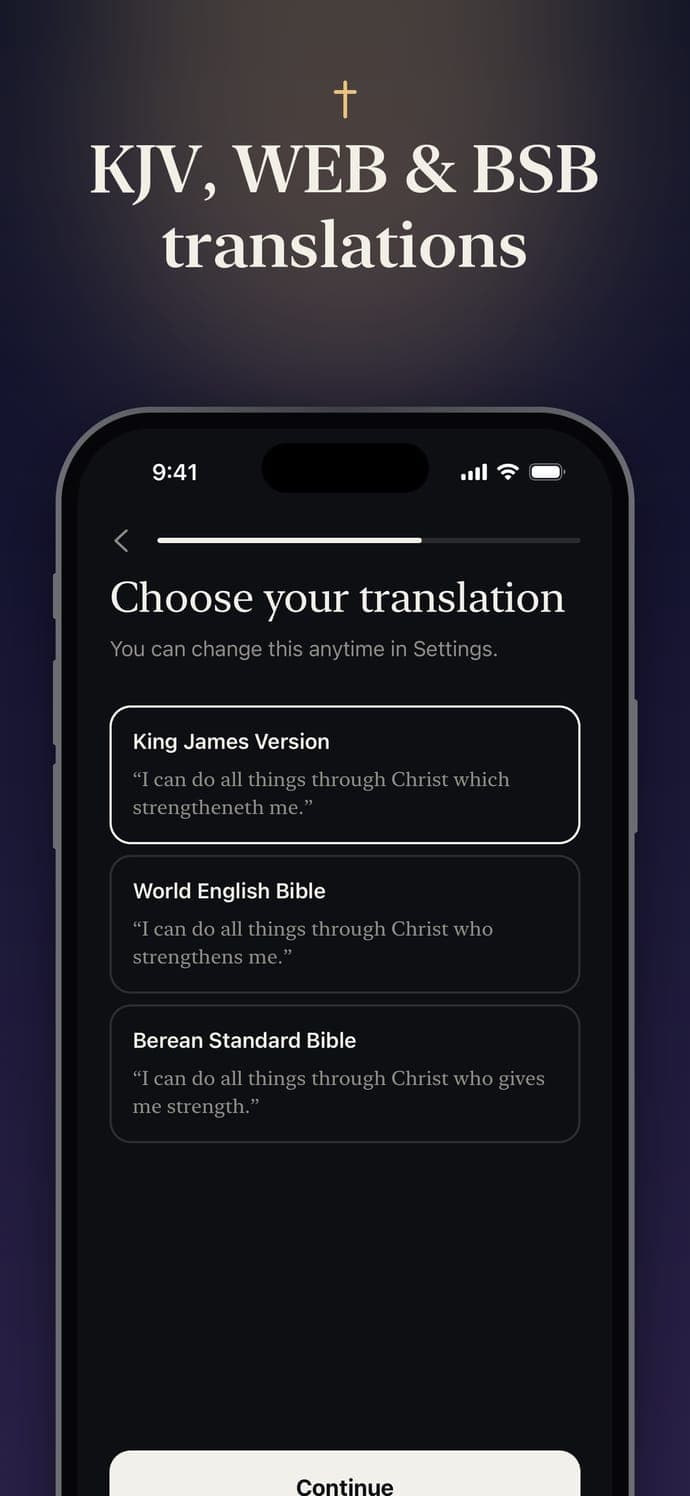
King James Version (KJV), World English Bible (WEB) or Berean Standard Bible (BSB). All public domain, and every verse was checked word for word against the source Bibles.
Bible Widget: Lock Screen
A daily Bible verse on your Lock Screen, Home Screen and Apple Watch, chosen for what you’re carrying. Calm, beautiful, and it works offline.

Free · 3-day Premium trial

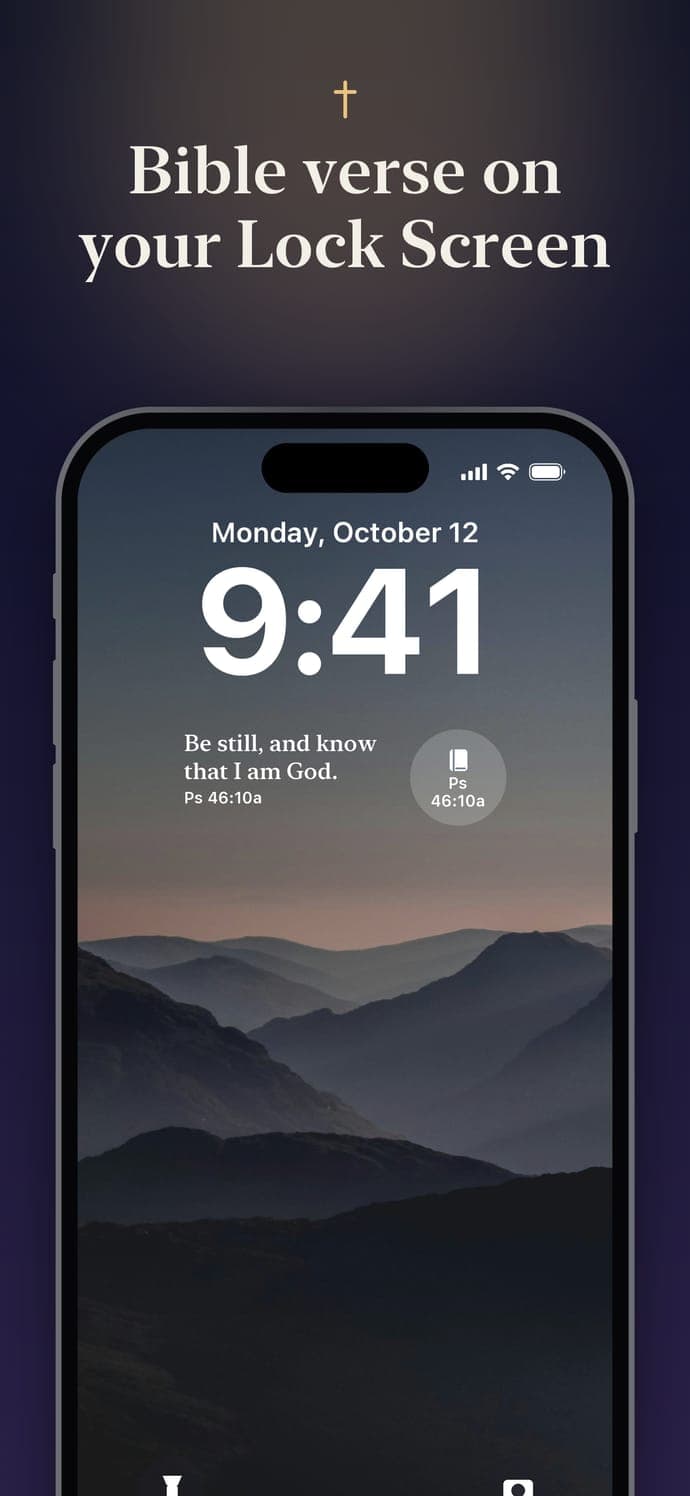
Monday, October 12
9:41
Widgets
You pick up your phone dozens of times a day. Now each glance meets you with Scripture instead of noise, and you never even have to open the app.
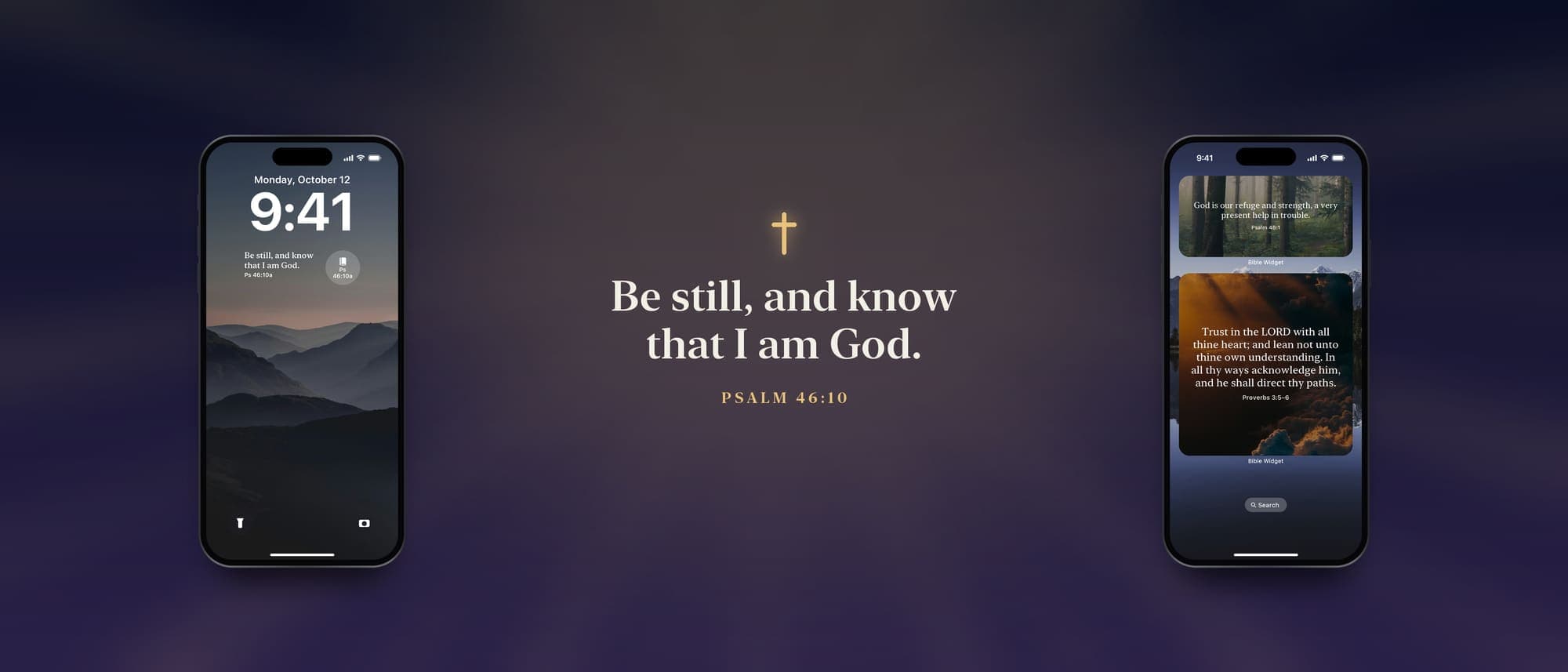
A short, easy-to-read verse right under the clock. Add the one-line widget above the clock or the round one beside it too. Every verse has a special short Lock Screen version, so it always fits.
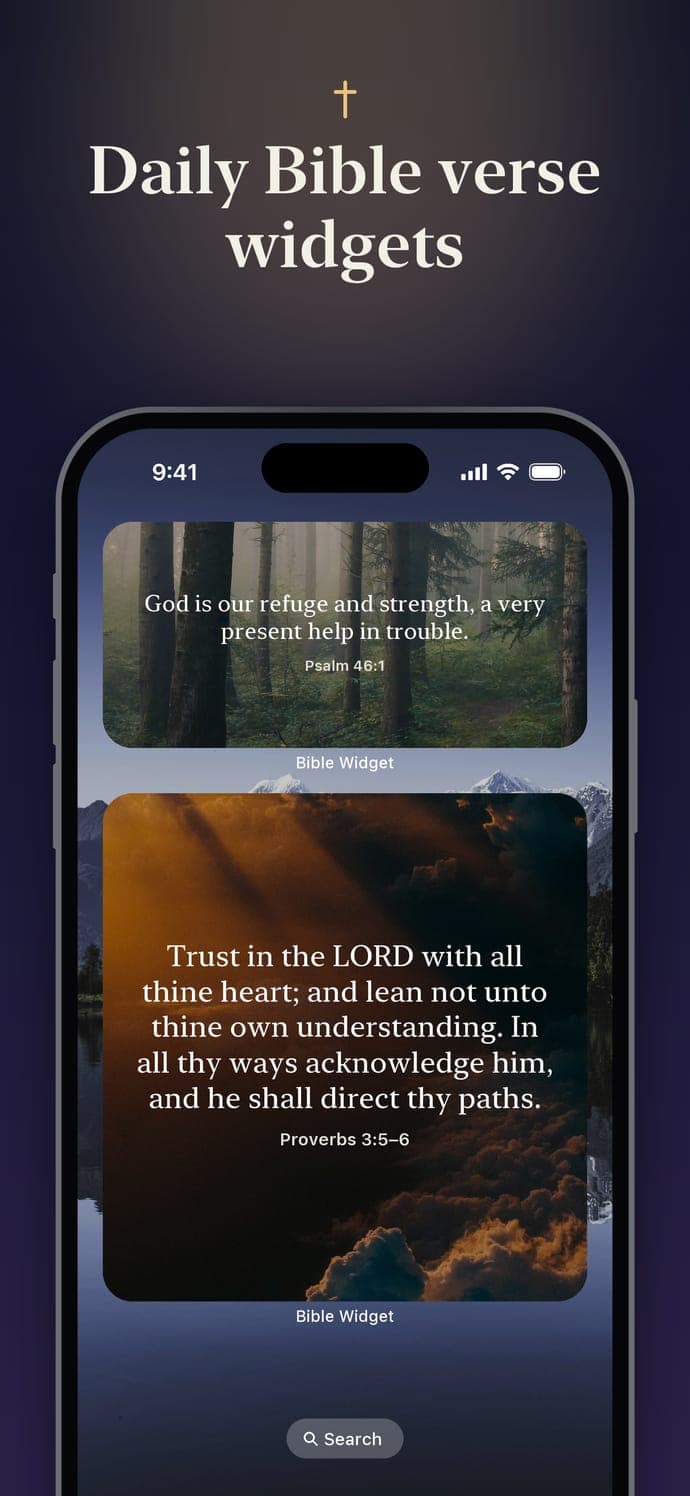
Small, medium and large widgets show the full verse in the style you love.
Your widgets keep rotating for two to four weeks, even if you never open the app. Every verse is already on your iPhone.
New verses through the day, on your widgets and in the app.
Guides: add a Bible verse widget · put a verse on your Lock Screen
Verse of the day
638 hand-picked verses across 14 topics. Tell the app what you’re going through when you set it up, and your verse of the day speaks to it. Tap a topic to see a real verse from the app.
“Casting all your care upon him; for he careth for you.”
Read more daily Bible verses by topic or today’s Bible verse of the day.
King James Version (KJV), World English Bible (WEB) or Berean Standard Bible (BSB). All public domain, and every verse was checked word for word against the source Bibles.
From the first Sunday of Advent until January 7, your verse follows the season: the prophecies and promises of Advent, then the Nativity.
“For unto us a child is born, unto us a son is given: and the government shall be upon his shoulder: and his name shall be called Wonderful, Counsellor, The mighty God, The everlasting Father, The Prince of Peace.” Isaiah 9:6 · KJV
Pin any saved verse to your widgets, or let them rotate through your own saved verses, a new one each day.

Styles & wallpapers
Choose the look that helps you slow down. Your style shows up in the app and on your widgets. Gentle animated effects (snow, rain, falling leaves, petals, stars and light rays) bring photos to life, and they respect Reduce Motion.
Calm, timeless colors in light and dark. Ink and Paper are free.
Be still, and know that I am God.
Psalm 46:10
InkFree
Be still, and know that I am God.
Psalm 46:10
PaperFree
Be still, and know that I am God.
Psalm 46:10
Midnight
Stars
Be still, and know that I am God.
Psalm 46:10
Dawn
Be still, and know that I am God.
Psalm 46:10
Olive
Be still, and know that I am God.
Psalm 46:10
Sky
Be still, and know that I am God.
Psalm 46:10
Rose
Be still, and know that I am God.
Psalm 46:10
Stone
Ink and Paper are free. Every other style, your own photo and animated backgrounds come with Premium
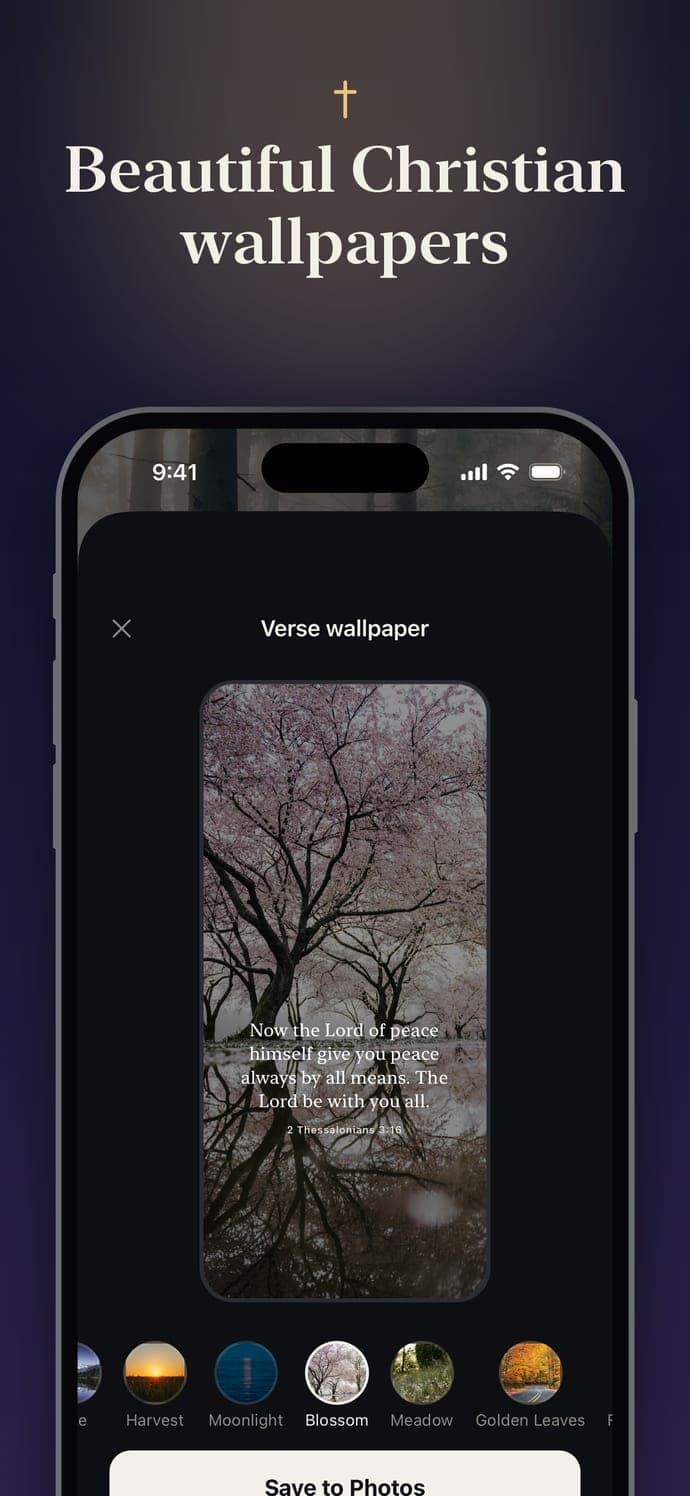
Make a Lock Screen wallpaper from any verse and style, and save it straight to your Photos.
Snow, rain or light rays move behind your verse when your iPhone wakes. Premium wallpapers also have no watermark.

9:41
“The LORD is my shepherd; I shall not want.”
Psalm 23:1 · KJV
Prayer Lock · Premium
Choose the apps that pull you away, like social media or games. Each day they stay locked until you’ve prayed with today’s verse. Then they open until midnight.
It’s a small, daily nudge to give God your first attention, not your feed.
Pray to unlock
“Be still, and know that I am God.”
What you see when you open a locked app
Today’s verse
“Be still, and know that I am God: I will be exalted among the heathen, I will be exalted in the earth.”
Psalm 46:10 · KJV
Start with Scripture, chosen for what you’re carrying.
Today’s prayer
Father, help me to be still and know that You are God. I do not need to fix everything; I only need to trust You.
Pray it slowly, in your own words too
One of 58 original prayers, matched to your topics and the season.
Today’s prayer
Father, help me to be still and know that You are God. I do not need to fix everything; I only need to trust You.
Say Amen when you are ready
A moment of stillness before you say Amen.
Amen
Your apps are open for the rest of the day. They lock again at midnight.
Your apps open until midnight. Tomorrow, you begin with God again.
How Prayer Lock works, step by step →
You pick apps with Apple’s own picker. What you choose stays on your iPhone. Nothing about your app use leaves your device.
Turn Prayer Lock off anytime, or tap “Unlock without praying” on a day you need to. It’s an invitation, not a cage.
Without Prayer Lock you can still open the daily prayer screen anytime: today’s verse, a prayer and a quiet moment.
Memorize mode
Learn a verse by heart in four short steps. A verse counts as memorized after you’ve practiced it on three different days. Tap each step to try it.
Read · 1 of 4
Psalm 119:105 · BSB
Your word is a lamp to my feet and a light to my path.
Read the verse slowly, out loud if you can.
Apple Watch · Premium
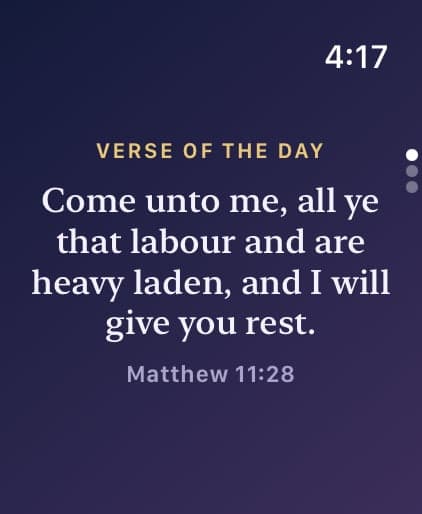
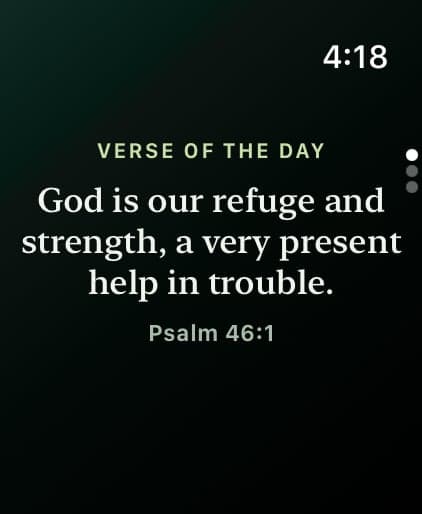
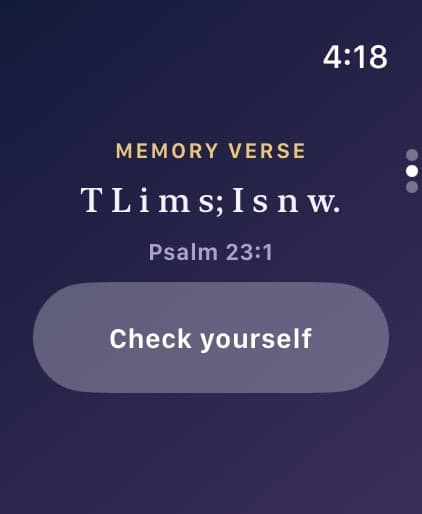
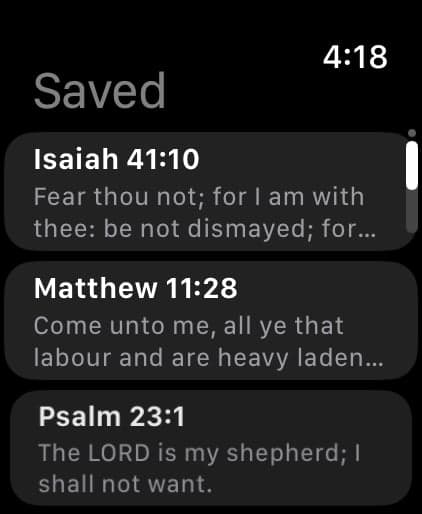
Your verse on your watch face, in the Smart Stack and in a calm watch app with Today, Memory and Saved.
Daily habit
Little helpers that make it easy to come back tomorrow.
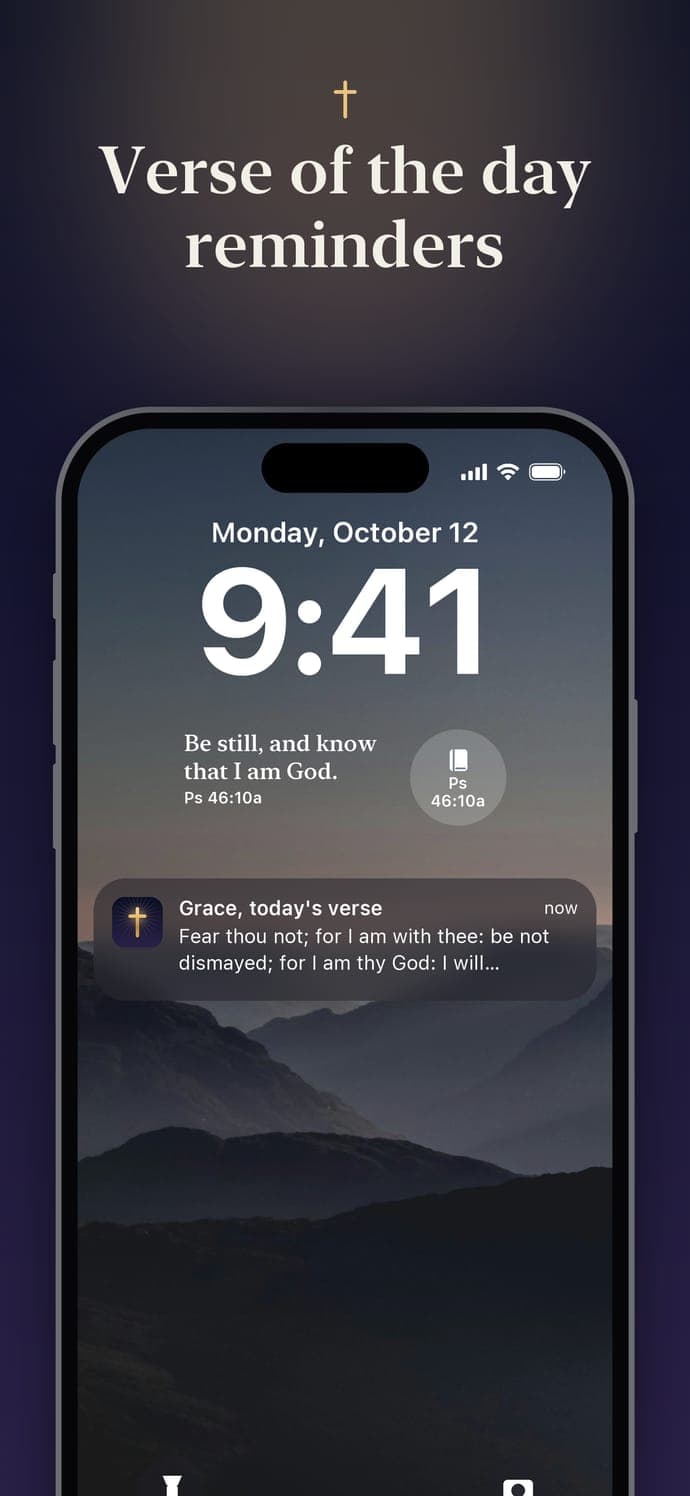
Your verse of the day as a notification, at the times you choose. Free: once a day. Premium: up to 10 a day, with calm sounds: chime, church bell, harp, piano and morning birds.
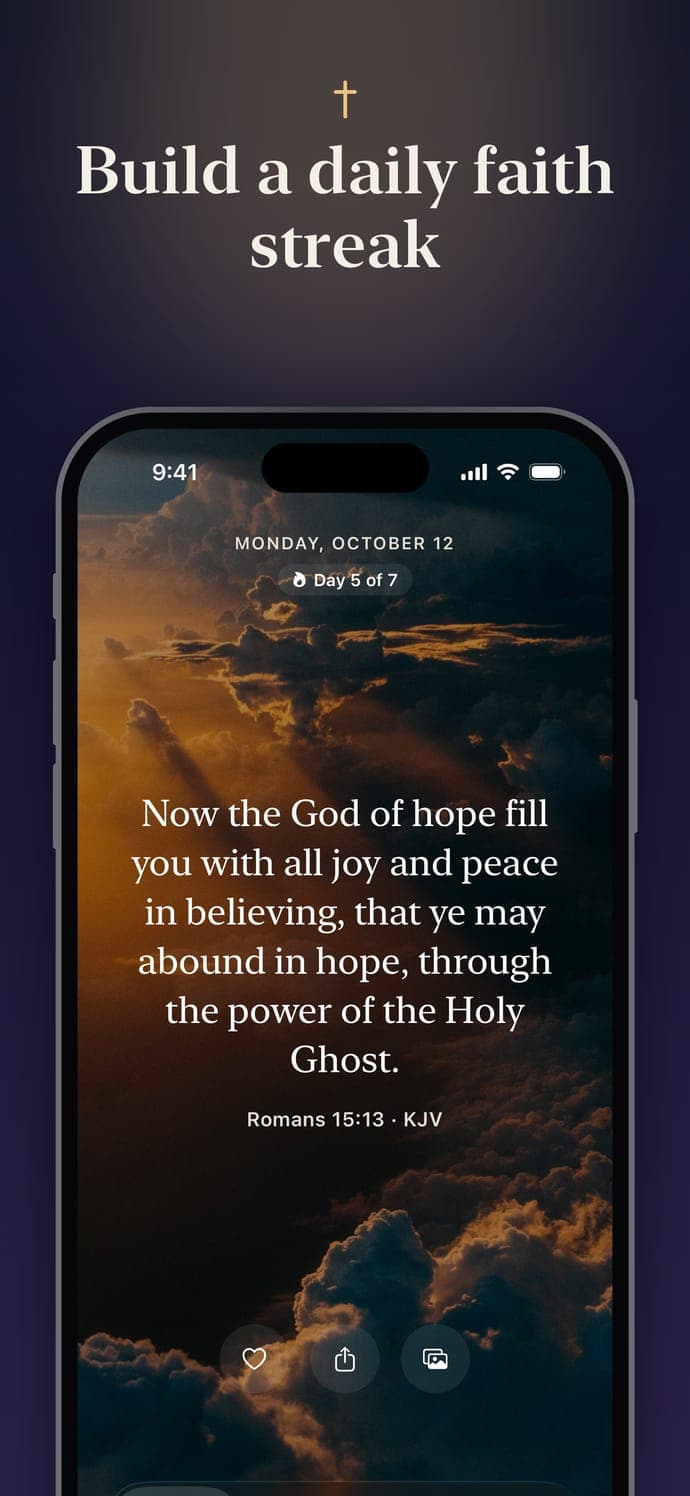
Days in a row with Scripture, goals of 3, 7 and 21 days, a week view, and a streak card to share. Free.
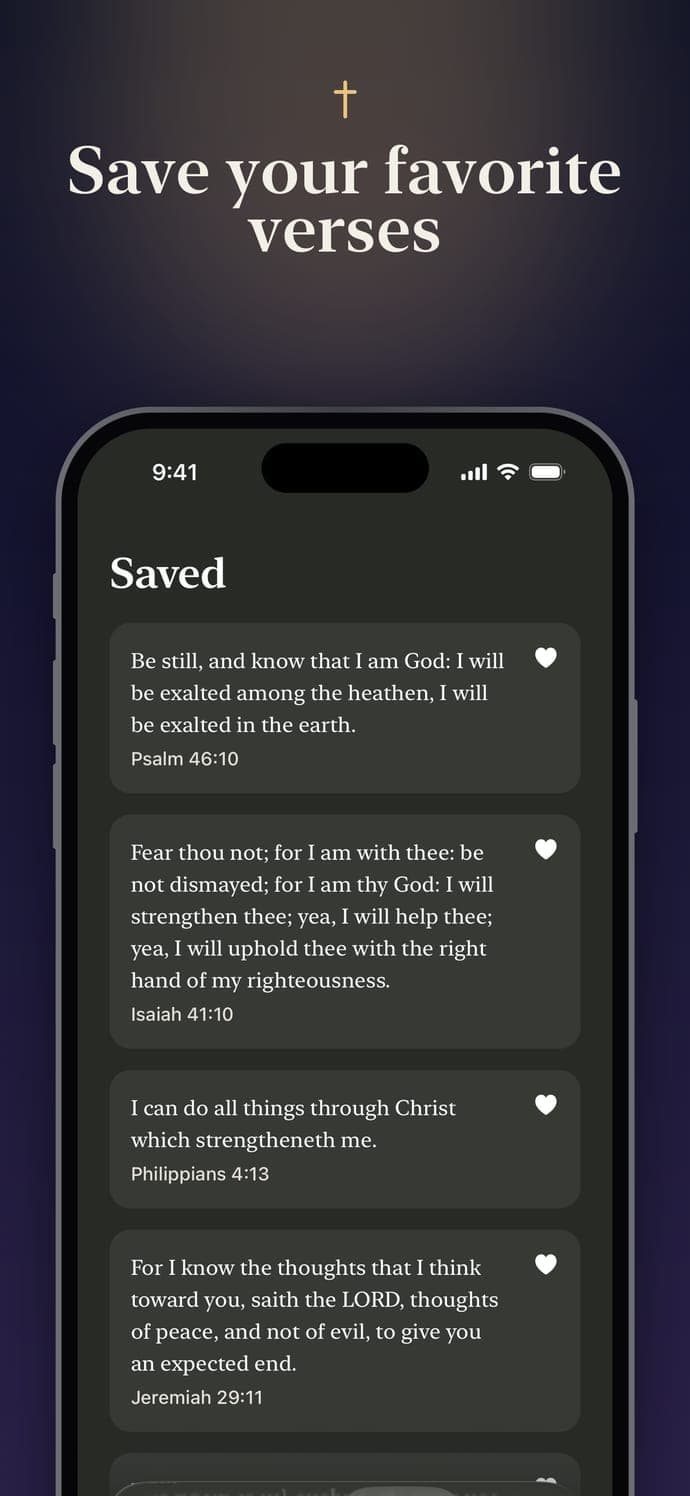
Keep the verses that speak to you and share them with friends and family. Free: 5 saved. Premium: unlimited.
Six alternate icons for your Home Screen.
 Default
 Dawn
 Midnight
 Sunrise
 Forest
 Ocean
 Rose
Large text support across the app, so every verse is comfortable to read. And the daily prayer screen is always free.
Private by design
Your preferences, saved verses, streak and Prayer Lock apps stay on your device. Read the Privacy Policy.
Every verse lives on your iPhone. No internet needed.
No sign-up, no password. Just open it and begin.
Nothing competes with Scripture for your attention.
We don’t track you across other apps or websites.
Free & Premium
Everything you need for a daily verse is free, with no ads. Premium unlocks the full experience.
| Free | Premium (everything in Free, plus) |
|---|---|
| Daily verse, all widget sizes | Fresh verse every 3 hours |
| Ink and Paper styles | All 40 styles, your own photo, animated backgrounds |
| 1 reminder a day | Up to 10 a day + notification sounds |
| 5 saved verses | Unlimited saved verses |
| Wallpapers with watermark | No watermark + Live Photo wallpapers |
| Topics chosen once in onboarding | Change topics anytime |
| Pinned verse, Advent & Christmas verses, saved verses on widgets | Apple Watch app + complications |
| 3 memorized verses | Unlimited Memorize mode |
| Streak + share, daily prayer screen, large text | Prayer Lock, alternate app icons |
Try Premium free for 3 days. See plans and prices in the app.
FAQ
Yes. The download is free and includes a daily verse, every Lock Screen and Home Screen widget size, the Ink and Paper styles, one reminder a day, five saved verses, your faith streak, the daily prayer screen and Memorize mode for three verses. There are no ads.
Premium is optional and unlocks everything else, including Prayer Lock, Apple Watch and all 40 styles. You can try it free for 3 days, and see the plans in the app.
Three: the King James Version (KJV), the World English Bible (WEB) and the Berean Standard Bible (BSB). All three are in the public domain, and every one of the 638 verses was checked word for word against the source Bibles. You can switch translation anytime in Settings.
Yes. Every verse is stored on your iPhone, so your daily verse, widgets and reminders work without internet. There's no account to create.
It takes about 20 seconds:
Touch and hold an empty area of your Home Screen, tap Edit → Add Widget, search for Bible Widget and choose Daily Verse in the size you like (small, medium or large).
You choose the apps that distract you, such as social media or games. Each day they stay locked until you pray in the app: read today's verse, pray a short written prayer, take a 20-second quiet moment and say Amen. Your apps then open until midnight.
Prayer Lock is built on Apple's Screen Time, and the apps you choose stay on your iPhone. You're always in control: turn it off anytime, or tap "Unlock without praying" when you need to. Prayer Lock is part of Premium and turns off if Premium ends.
Yes, with Premium. Your verse appears on your watch face (rectangular, inline, circular and corner complications) and in the Smart Stack, there's a Memory Verse complication, and a calm watch app shows today's verse, the verse you're memorizing and your saved verses. You can also get a gentle morning verse tap on your wrist. Requires watchOS 10 or later.
Yes. The yearly plan supports Family Sharing, so up to five family members get Premium too, at no extra cost.
Subscriptions are managed by Apple. On your iPhone, open Settings → [your name] → Subscriptions, choose Bible Widget and tap Cancel Subscription. To avoid being charged, cancel at least 24 hours before your trial or period ends.
Your preferences, saved verses, streak and the apps you choose for Prayer Lock stay on your iPhone. We don't show ads, don't use advertising identifiers and don't track you across other apps or websites.
We only receive information if you choose to join our email list or send feedback, plus anonymous subscription records handled by Apple and our subscription provider. The Privacy Policy explains every detail.
iOS 16.4 or later on iPhone. The Apple Watch app needs watchOS 10 or later.
Still have a question? Visit Support.
Free to download. Try Premium free for 3 days.