Verse complication
Rectangular, inline, circular and corner complications, so your verse fits any watch face.
Bible watch app
A verse of the day on your wrist. Bible Widget brings Scripture to your watch face, your Smart Stack and a calm watch app, with a gentle morning verse tap to start the day with God.

Free · no ads · works offline
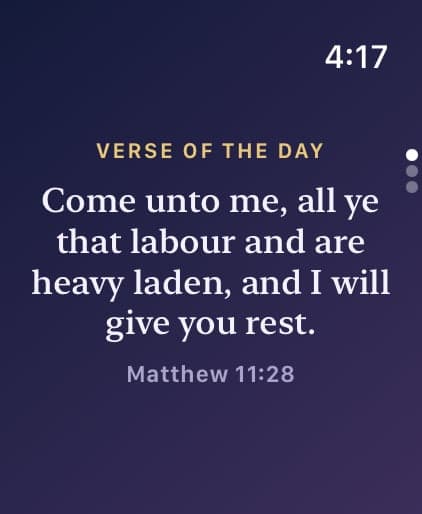
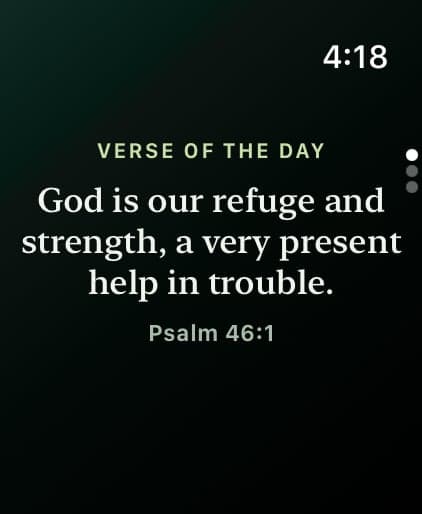
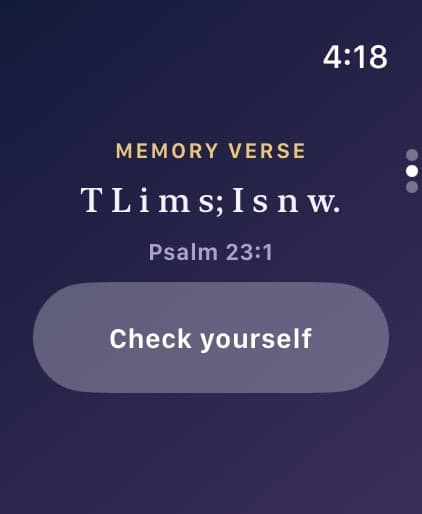
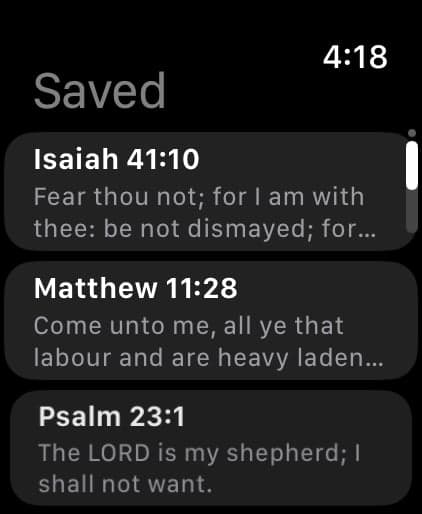
Rectangular, inline, circular and corner complications, so your verse fits any watch face.
Turn the Digital Crown and your verse is right there, at a glance.
The first letters of the verse you’re learning, for quick recall every time you raise your wrist.
A calm watch app with today’s verse, the verse you’re memorizing and your saved verses.
An optional gentle tap with the morning verse, even when your iPhone is out of reach.
The watch follows the style and translation you choose on your iPhone.
You glance at your watch dozens of times a day, often without picking up your phone. A short verse there is a quiet reminder of God’s Word in the middle of meetings, workouts and school runs.
Yes. Bible Widget includes an Apple Watch app and complications. Your verse of the day appears on your watch face and in the Smart Stack, and the watch app shows today's verse, the verse you're memorizing and your saved verses.
Install Bible Widget on your iPhone and turn on Premium. Then touch and hold your watch face, tap Edit, swipe to Complications, choose a spot and pick Bible Widget's Verse or Memory Verse complication.
The Apple Watch app and complications are part of Bible Widget Premium, which you can try free for 3 days. The iPhone app and widgets are free.
Your iPhone sends the verse schedule, your style and your saved verses to the watch. After that, the morning verse tap is scheduled on the watch itself, so it arrives even when your iPhone is out of reach.
The watch app needs watchOS 10 or later, paired with an iPhone running Bible Widget.
Free to download. Try Premium free for 3 days.